How to Clear WebCacheV01.dat (Windows WebCache Database)?
WebCacheV01.dat is the database that replaced the old index.dat files starting with Internet Explorer 10. Instead of scattering browsing data across several separate index.dat files, Windows consolidates it all into one unified database, stored at %LocalAppData%\Microsoft\Windows\WebCache\WebCacheV01.dat. It's still used today by Internet Explorer and by legacy Edge components built on the same engine.
Inside, it holds browsing history, cached web content, cookies, DOM storage and download history, everything that used to live in separate index.dat files, now in a single structured database.
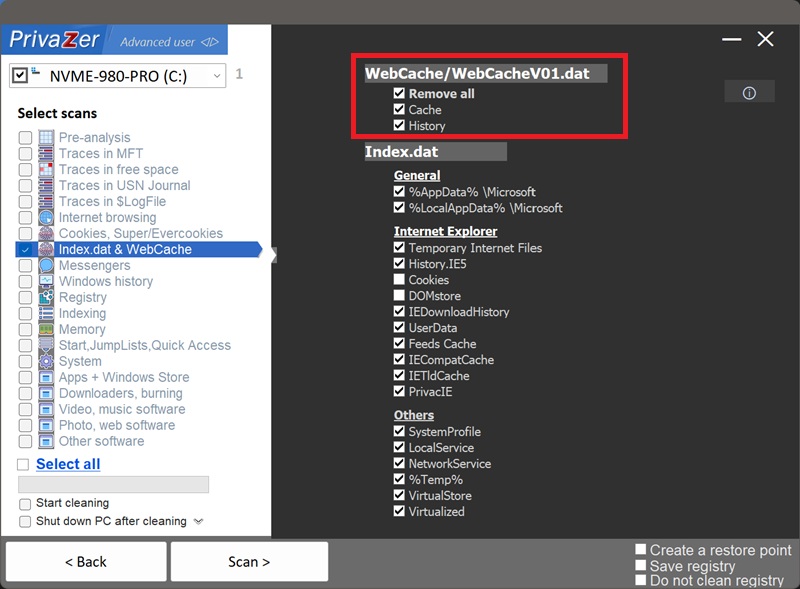
Because it's a full database rather than a simple file, PrivaZer can target its contents at different levels of granularity: "Delete everything" clears the whole database, while "Cache" and "History" let you clear just cached web content or just browsing history records on their own, if that's all you want removed. It's finer control than an all-or-nothing wipe.
Yes. WebCacheV01.dat is typically held open and locked by a Windows service while the system is in normal use, PrivaZer handles this and clears the database's contents regardless.
Yes. Closing Internet Explorer or the app using this engine doesn't clear the database, its contents persist across sessions and reboots until they're manually cleared or naturally cycled out.
Yes, the same trade-off as clearing browsing data in any browser: you'll be signed out of sites that relied on stored cookies, and pages you'd cached locally will need to reload fresh from the web the next time you visit. It doesn't affect your files, your installed programs or system stability.
WebCacheV01.dat is the direct successor to index.dat, introduced with Internet Explorer 10. Where index.dat data was spread across multiple separate files by category and by folder, WebCacheV01.dat brings all of that into one unified, structured database. Older Internet Explorer versions and certain legacy compatibility paths still rely on index.dat, which is why PrivaZer covers both.
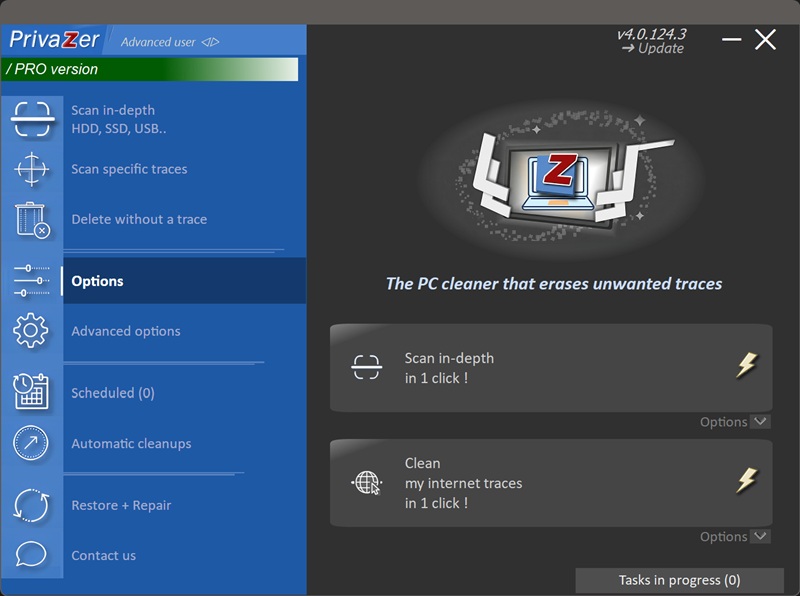
Quick setup via the Options menu
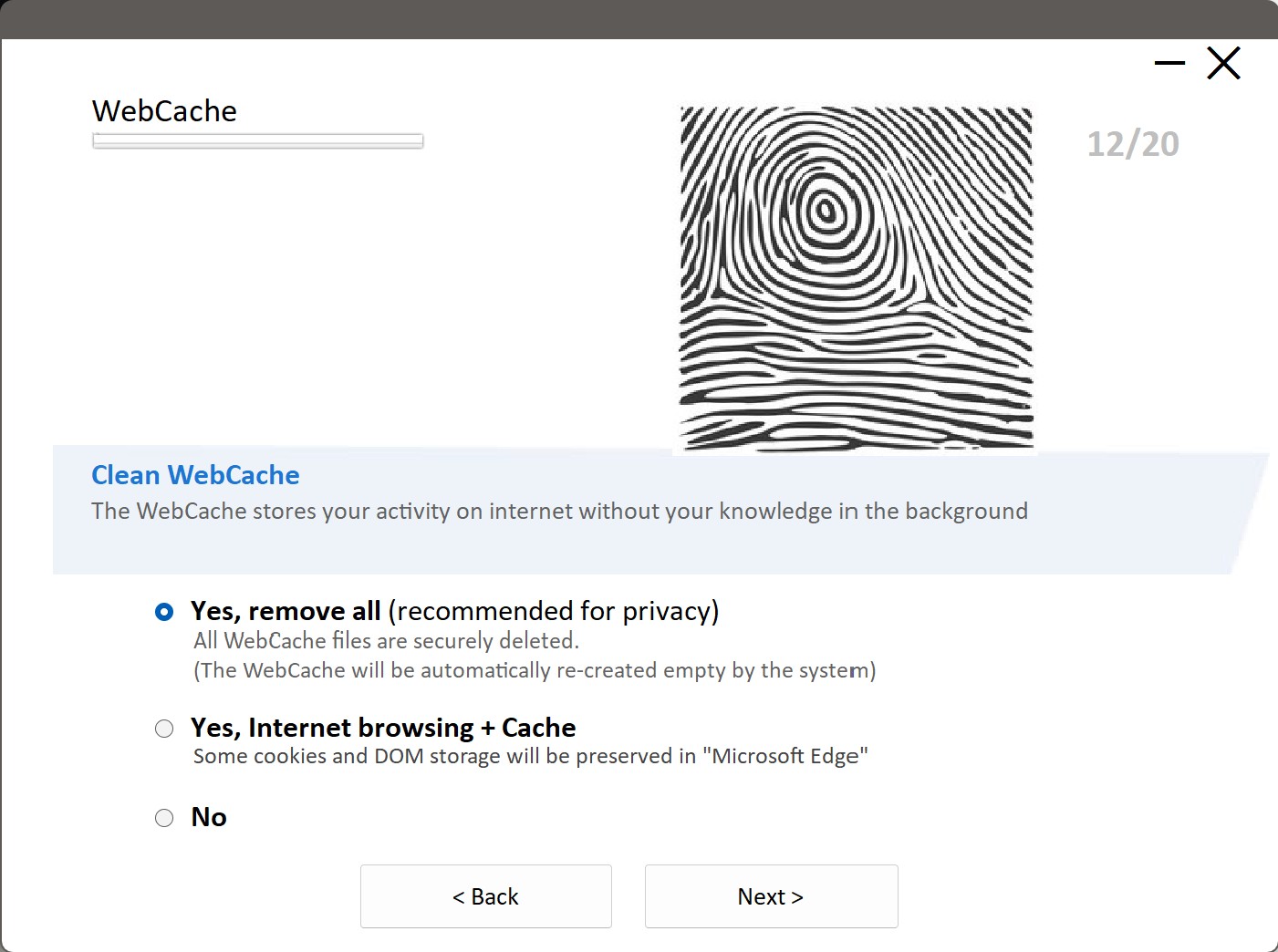
Scan options - Index.dat & WebCache - WebCache / WebCacheV01.dat